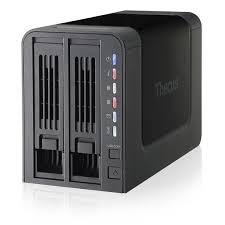
Thecus N2200PLUS Mã sản phẩm: N2200PLUS
3,139,000 VND
(Giá VAT: 3,390,000 VND)- Status At-a-Glance
- Easy to Set Up, Easy to Use
- Solid Data Protection
- Friendly Features
- Quietly Saving Money
- Greatly Increased Performance
- SATA II for Ultra-Fast Transfer Speed
- NAS & DAS all in one
–
+
Thêm vào giỏ
So sánh
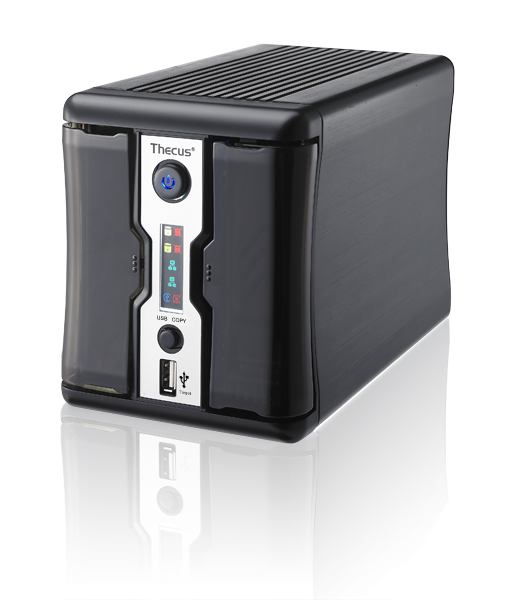
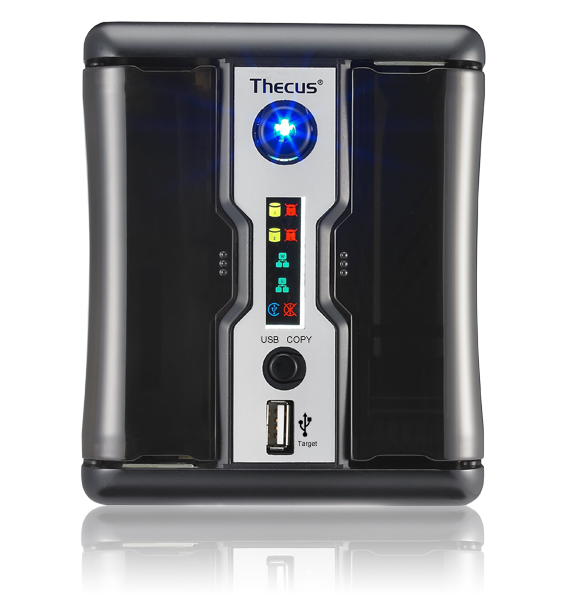
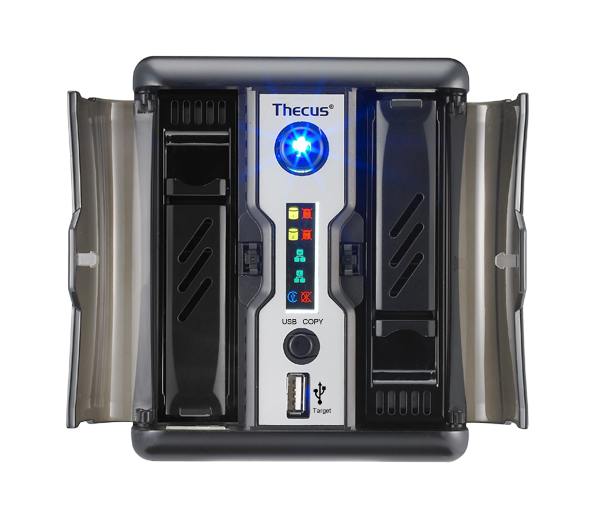
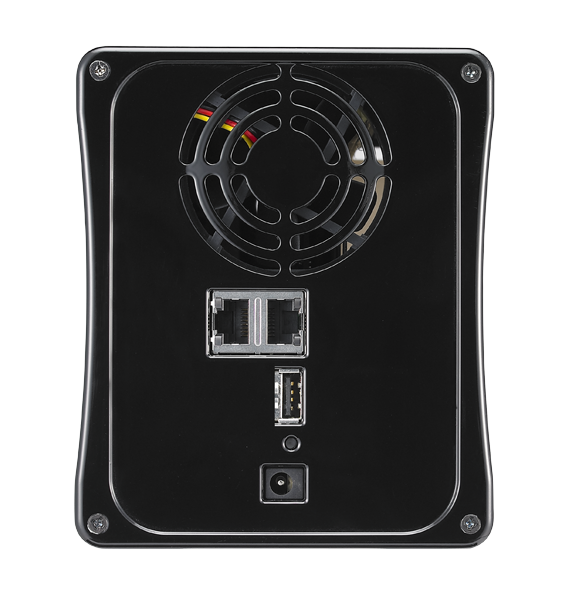
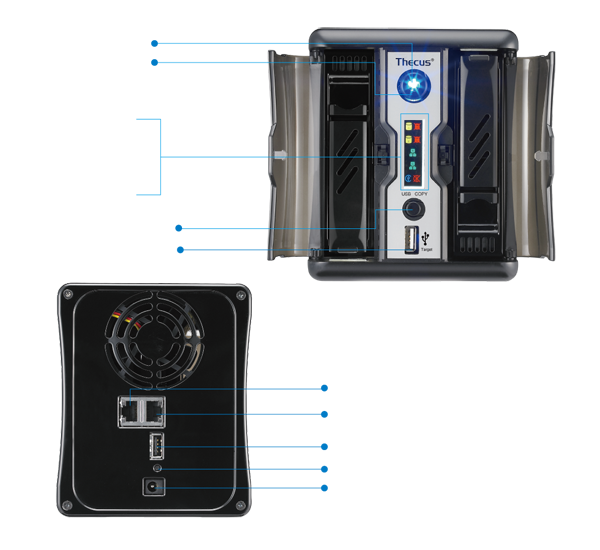
Specs
1.Hardware Platform| Item | Spec |
| Processor | Cavium SOC(Dual-Core series) Processor |
| System Memory | 256MB DDR2 |
| LAN Interface | RJ-45x2 : 10/100/1000 BASE-TX Auto MDI/MDI-X |
| LCD Display indicator (Color icon) |
HDD1 Power, Activity/Fail HDD2 Power, Activity/Fail WAN/LAN1 (Activity) LAN2 (Activity) USB COPY (Busy) USB COPY (Fail) |
| LED indicator | System power On LED (Blue) |
| Power adapter | External power adapter (Supports 2TB and above HDDx2 ) |
| Disk interface | SATA II 3.5 “ HDD x2 or SATA 2.5” HDD x2 |
| USB Interface | USB 2.0 target port(Front x1) USB 2.0 host port(Back x1) |
| Thermal/Fan control | Temperature controlled system fan speed |
| Real-time clock | Battery powered backup system clock |
| Buttons | System power on button Reset to factory default button USB copy button |
| Buzzer | Adjust frequency |
| Chassis | Metal chassis |
| Front/Rear cover | Plastic cover |
| Environment | Temperature : 5°C to 40°C Humidity : 0 ~ 80 % R.H. (Non-condensing) |
2. Software Functions
| RAID | |
| RAID modes | RAID 0, 1, JBOD |
| Auto-rebuild | Supported |
| Hot-swap | Supported |
| S.M.A.R.T Info | Supported |
| S.M.A.R.T Test | Supported |
| Disk | |
| Power management | Configurable automatic drive spin down |
| Bad Block Scan | Supported |
| Network | |
| Configuration | Fixed or dynamic IP address |
| Transport Protocols | TCP/IP/Appletalk |
| File Protocols | SMB/CIFS, HTTP/HTTPS, FTP, NFS v3, AFP |
| Data Access | |
| Client OS support | Windows 2000/XP/2003/Vista/7 UNIX/Linux Mac OS 9/X or above |
| WebDisk | Web-based file access |
| FTP | Built-in file transmission protocol |
| Secure FTP | Built-in secure FTP server with bandwidth control |
| Download Manager | HTTP/ FTP/ BT/eMule (install DLM Module) NZB download (install NZB Module) |
| Printer Server (IPP) | Supports USB printers Supports various IPP printers Client can manage print tasks (list/delete) via web user interface |
| Data Backup | |
| USB Copy | Copies USB Mass storage device contents to specified location on the NAS |
| NAS data backup to external USB device | Supported (install USB/eSATA Schedule Backup Module) |
| Client backup scheduler | Acronis True Image (OEM version) |
| Client system disaster Recovery | Acronis True Image (OEM version) |
| Mac Time Machine | Supported |
| Bi-Directional USB Copy | Supported (install module) |
| Client side backup software | Thecus Backup Utility (for Windows/Mac) |
| NAS Remote Replication | Via Thecus proprietary Nsync |
| NAS Remote Replication | Via Rsync to replicate data between two systems (install module) |
| Multimedia Support | |
| iTunes Server | Supported File Types: AAC, MP3 w/ ID3 tag, WAV |
| Photo Web Server | Supported File Types: GIF, JPG (JPEG), BMP, PNG Support EXIF display Support slide show |
| Media server | Supports uPnP AV streaming protocol |
| User Authentication | |
| Local User | Supports built-in user accounts |
| Local Group | Supports built-in user groups |
| File System | |
| Type | Journaling File System |
| File system support | XFS |
| Capacity | 6TB (Check HDD Compatibility List for details) |
| Language Support | Unicode Support |
| Authorization | Read, Write or Deny options on individual users or groups |
| Authorization (ACL) | Read, Write or Deny options on individual users or groups for shared and sub-folders. |
| Administration | |
| Multi-Lingual Web-based administration | Web-based server management Interface Supports: English, Traditional Chinese, Simplified Chinese, Japanese, Korean, French, German, Italian, Spanish, Russian,Polish . |
| Utility Program | MS Windows (Setup Wizard), Supports multiple languages, Supports Windows 2000/XP/2003/Vista/7, Mac OS X (Setup Wizard) |
| Email notification | Send the system messages via email to the system administrator |
| Others | |
| Recycling bin | Supported |
| Web Disk | Supported with remote access |
| User module | Supported |
| ISO Mount | Supported |
| Simple surveillance | Support USB Web CAM/IP CAM for scheduled recording |
Package Contents
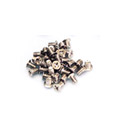 |
 |
 |
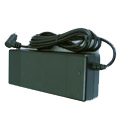 |
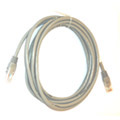
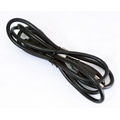
| Accessory Bag | Ethernet Cable | Power Cord | Power Adaptor |
 |
 |
||
| Warranty Card | All in one DVD |
Thecus TV
 Discover iSCSI and how to use it with a Thecus NAS
This tutorial is separated in three parts. The first part will teach you what's iSCSI and how it can be used. The second and third part would be practical demonstration on iSCSI Target/Initiator. Only the second part requires a Thecus NAS!